Field-service suites with crews, dispatch and job costing are built for bigger teams. Their prices show it.
A solo mobile detailer on a small-business forum asked exactly this. Which system lets customers pick days and time slots and sends reminders, without paying for an all-in-one? The replies were mostly product names with few reasons. Here is how to pick on reasons instead.
The four jobs that matter
Ranked by what they save you:
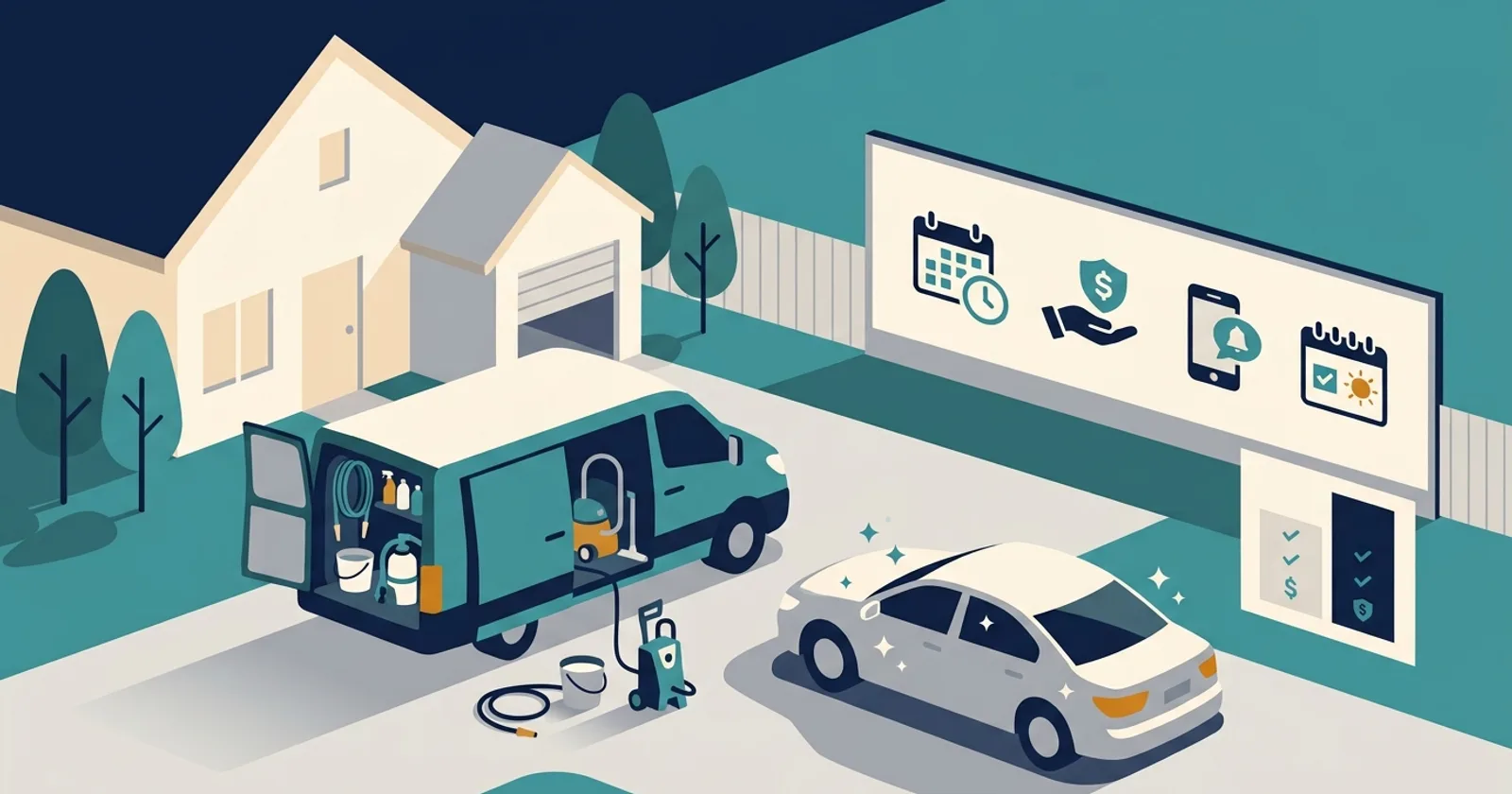
- Self-booking with real time slots. Customers book after hours. Look for per-service lengths, so a full detail blocks most of a day and a quick wash far less. Also look for a buffer setting. It stops someone booking you for tomorrow morning at 10 p.m.
- Deposits or a card on file. A no-show costs a mobile detailer the drive, not just the slot. Some tools take a partial deposit at booking. Others save a card and charge a late-cancellation fee. Write the policy where customers accept it; our chargeback paperwork guide explains why.
- Automatic reminders. A text the day before catches wrong addresses and forgotten gate codes. Check whether a plan sends texts or only emails. Several tools split their tiers on that line.
- A clear day view. For one van, a calendar in address order plus a map link is enough. Route optimization earns its price when you run route days in a wide service area.
Everything else is for later: crew scheduling, payroll, job costing and marketing suites.
What the plans include
Prices and features below come from each company’s own pricing page, checked October 9, 2026. They change often, so confirm before you sign up. A listing here is not a recommendation, and the order is not a ranking.
| Plan | Price on the vendor’s page | Online self-booking | Automatic reminders | Deposit or no-show protection |
|---|---|---|---|---|
| Square Appointments Free | $0/mo; online cards 3.3% + 30¢ | Yes | Text and email | No-show fees on Plus |
| Square Appointments Plus | $49/mo per location; online cards 2.9% + 30¢ | Yes | Text and email | Cancellation policy and no-show fees |
| Acuity Scheduling Starter / Standard | $16 or $27/mo billed yearly ($20 or $34 monthly) | Yes | Starter: email; Standard adds text | Takes payments via connected processors |
| Calendly Free / Standard | $0, or $10/seat/mo billed yearly | Free: one event type | Reminders on Standard | Payments connect on Standard |
| BookingKoala Starter / Growing | From $27 or $57/mo | Yes, with booking forms | Reminders listed on Growing | Not stated |
| Jobber Core / Connect | $49 or $139/mo with no commitment ($29 or $99 billed yearly) | Yes, from Core | Automated reminders start on Connect | Auto payment collection on Connect |
| Housecall Pro Basic | $59/mo billed yearly | Yes, book and pay online | Not stated | Not stated |
| Urable Express / Pro | $70 or $110/mo | Starts on Pro | Yes, from Express | Automated deposits listed |
Reading the table
Free is real, with limits. A free plan with online booking and text reminders covers jobs one and three. On that plan, an online card payment costs 3.3% + 30¢. The $49 tier charges 2.9% + 30¢. That 0.4-point gap only pays for the upgrade past about $12,250 a month in online card volume. Upgrade for no-show fees, not processing savings.
Watch where reminders sit. On some field-service plans, the cheapest tier books jobs. Automatic visit reminders only arrive on a higher tier. If reminders are your main reason to switch, price the tier that has them.
One event type is a hard cap. A free scheduler limited to one event type can’t offer separate interior, exterior and full-detail lengths. Detailers with a tiered menu outgrow it on day one.
Detailer-specific tools sell the vehicle record. Car-focused software adds things like VIN scanning, inspection photos and on-my-way texts with a live ETA. That helps when you sell maintenance plans and want each car’s history in one place. Check which tier turns on self-booking before you compare prices.
Count users honestly. One field-service company charges $29 a month for each added user. If a helper will only text you, you may not need to add them.
Get text consent at booking
Reminder texts are the feature solo operators want most. They also come with rules. The FCC says texts sent with an autodialer need the phone owner’s prior consent. Informational texts may rest on oral consent. Commercial texts need written consent. Customers can opt out at any time. Add a consent checkbox to your booking form, and keep promos out of reminders.
Some states add their own rules. Washington, for example, bars businesses from sending commercial text messages to residents’ cell phones. That is another reason to keep a reminder a reminder. Ask the FCC or your state attorney general’s office if you plan text marketing. This is not legal advice.
A simple way to choose
Start a free trial with your real menu. Set up three services with their actual lengths. Then book yourself as a customer from your phone. If the booking takes more than a minute, or the reminder never arrives, move on. Once it works, put the booking link on your Business Profile and website.
How we check every number: methodology.
Sources
Based on 9 sources · How we price
Checked 2026-10-09.
- Square, Appointments pricing and plans: squareup.com/us/en/appointments/pricing
- Acuity Scheduling, Pricing: acuityscheduling.com/signup.php
- Calendly, Pricing: calendly.com/pricing
- BookingKoala, Pricing: bookingkoala.com/pricing
- Jobber, Pricing: getjobber.com/pricing
- Housecall Pro, Pricing: housecallpro.com/pricing
- Urable, Pricing: urable.com/pricing
- FCC, Stop Unwanted Robocalls and Texts (archived copy, October 7, 2026): web.archive.org/web/20261007215324/https://www.fcc.gov/consumers/guides/stop-unwanted-robocalls-and-texts
- Washington State Legislature, RCW 19.190.060 (commercial electronic text messages): app.leg.wa.gov/RCW/default.aspx?cite=19.190.060